A good corporate event photography checklist is the difference between photos you use for months and a gallery nobody opens. Whether your event is in a Kota Kinabalu hotel ballroom or an office hall, this checklist shows what to prepare before, during and after the event.
Before the Event
1. Define how the photos will be used
Annual report, press release, LinkedIn, internal newsletter or website? The purpose decides which moments matter most and which formats you need.
2. Share the programme and run-down
Send your photographer the latest run-down with timings, so they know exactly when speeches, presentations and ceremonies happen.
3. Prepare a VIP list
List VIPs and speakers with names, titles and, ideally, photos, so they can be recognised and photographed properly.
4. Write a must-have shot list
- Signing, handshake or cheque presentation moments
- Award presentations in order of the award list
- Group photos: management, committee, winners, departments
- Sponsor branding and backdrops
- Venue set-up and décor before guests arrive
5. Plan group photos
Group photos take longer than expected. Decide when they happen, where, and who gathers people — usually the emcee or a committee member.
6. Check venue lighting and positions
Confirm stage lighting and agree where the photographer can stand without blocking guests.
7. Confirm deliverables and timing
Agree how many edited photos you expect, in which sizes, and when you need them — especially if you plan a press release the next day.
On the Day
- Assign one contact person who knows the programme and the VIPs
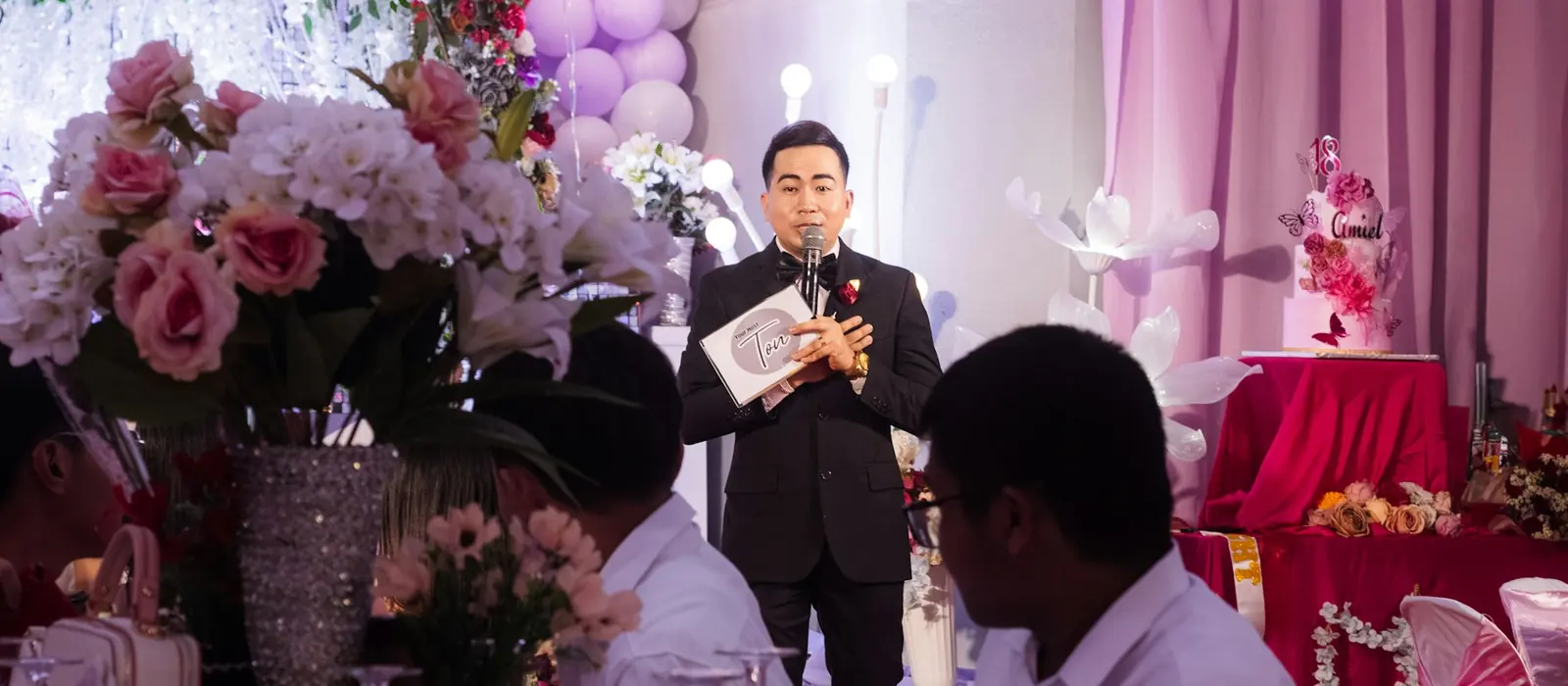
- Brief the emcee on when group photos and presentations happen
- Keep the stage area clear during key moments
- Tell the photographer about any programme changes as soon as possible
- Remind presenters to pause and face the camera during handovers
The handover pause is the most overlooked tip: a two-second pause during certificate or trophy presentations gives you a clean, usable photo every time.
After the Event
- Review the gallery and select photos for each channel
- Send selected photos to VIPs and partners
- Use web-sized photos for social media and high-resolution files for print
- Share a few highlights quickly while interest is high
7 Common Corporate Event Photography Mistakes
- No shot list. Without one, the photographer has to guess which moments matter — and the one photo your CEO wanted is missed.
- Group photos left until the end. By the end of the night, guests have left or ties have come off. Schedule group photos early.
- VIPs nobody can recognise. If the photographer does not know who the VIPs are, they cannot prioritise them.
- Dark stages. Ballroom mood lighting looks great in person but can make speakers look dim in photos. Ask for proper stage lighting.
- Rushed presentations. Certificates and trophies handed over in one second produce blurry, awkward photos. Ask presenters to pause.
- Cluttered backdrops. Tables, cables and boxes behind the stage end up in every photo. Tidy the stage area before the programme starts.
- No agreed deliverables. Agree the number of edited photos, sizes and delivery date before the event, not after.
A Simple Photographer Brief Template
Copy this structure into an email or document and send it to your photographer one week before the event:
| Section | What to include |
|---|---|
| Event overview | Name, date, venue, start and end time, expected guests |
| Purpose | Where the photos will be used: report, press, social media, website |
| Contact person | Name and phone number of the person on site who knows the programme |
| VIP list | Names, titles and photos of VIPs and speakers |
| Must-have shots | Signings, awards, handovers, branding, décor |
| Group photos | Which groups, when and where |
| Deliverables | Number of photos, sizes, delivery date and method |
Plan Photos for Each Channel
Different channels need different photos. Planning this in advance means your photographer captures the right variety on the day:
- Annual report: clean, formal photos of leadership, key ceremonies and group photos, delivered in high resolution for print.
- Press release: one or two strong images of the main moment — a signing, launch or award — with names and titles recorded accurately.
- LinkedIn and Facebook: a mix of stage moments, candid networking and team photos that show the people behind the organisation.
- Instagram: vertical-friendly shots, details, décor and energetic moments.
- Internal newsletter: photos of staff, departments and award winners that colleagues will recognise.
Tell your photographer which channels matter most, and they can balance formal coverage with candid storytelling throughout the event.
Choosing the Right Event Photographer
A checklist only works if the photographer can deliver on it. When choosing an event photographer for a corporate event, look beyond a portfolio of pretty pictures:
- Event experience: corporate events move fast. Ask whether they regularly cover speeches, award ceremonies and group photos, not only weddings or portraits.
- Low-light capability: ballrooms and halls are often dim. Ask to see photos from indoor evening events.
- Clear deliverables: the quotation should state coverage hours, number of edited photos, file sizes and delivery date.
- Professional conduct: a good event photographer is discreet, dressed appropriately and comfortable working around VIPs and protocol.
- Photo and video coordination: if you also need video, one team that covers both avoids crews competing for the same position.
Consent and Privacy
Guests generally expect photos at corporate events, but it is good practice to mention photography in the invitation or at registration, especially if photos will be published. Respect requests from guests who prefer not to be photographed, and take extra care with photos of children at family days or community programmes.
Should You Add Video?
Photos are ideal for reports and press. Video works better for social media, internal communications and promoting your next event. Many organisers book event photography and event videography together so one team covers everything. For company programmes, see our corporate event videographer page.
Quick Checklist Summary
| When | Task |
|---|---|
| 2+ weeks before | Book photographer, define photo usage, confirm deliverables |
| 1 week before | Send run-down, VIP list, shot list and group photo list |
| Event day | Assign contact person, brief emcee, keep stage clear |
| After the event | Select photos, share with VIPs, post highlights |